
Retro Game Stick – 21,000+ Games, 4K HDMI
Instantly revive the classics. Plug the compact HDMI stick into your TV or projector and play thousands of arcade, console and 8/16-bit favorites with no downloads or internet required.
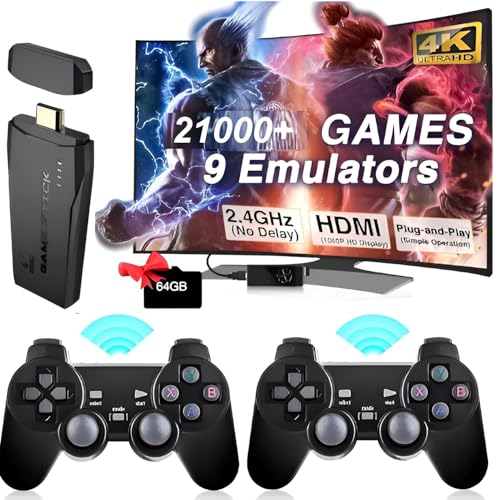
Plug-and-play gaming — thousands of titles, zero setup fuss
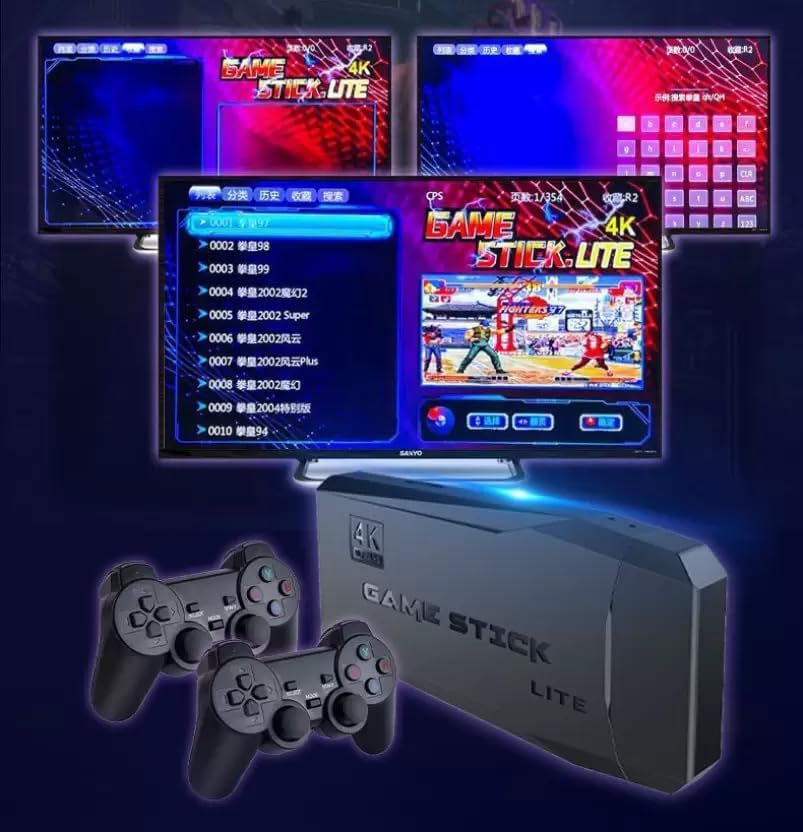
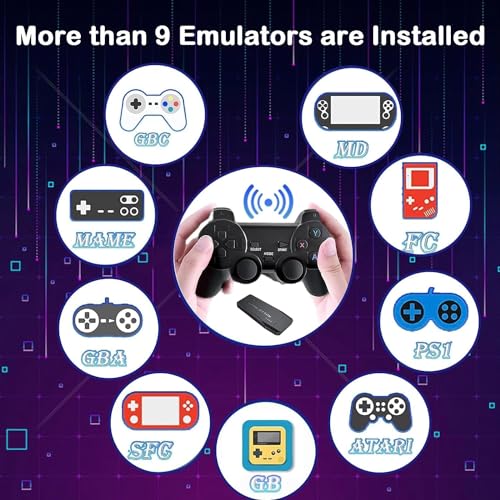
Preloaded with 21,000+ classic games on a 64GB TF card, the Retro Game Stick runs an open Linux-based system and includes nine emulators so you can jump right into favorites from the 80s and 90s. No downloads, no accounts — just plug, select the HDMI input, and play.
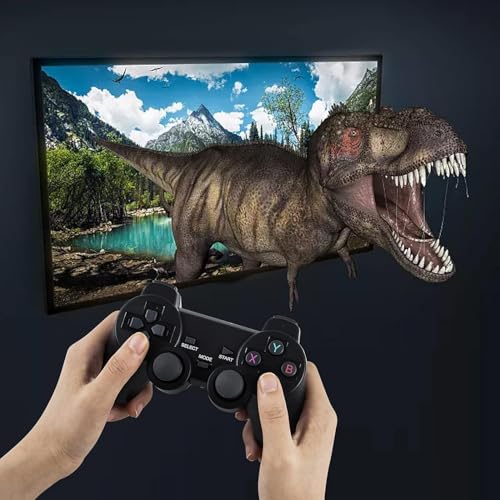
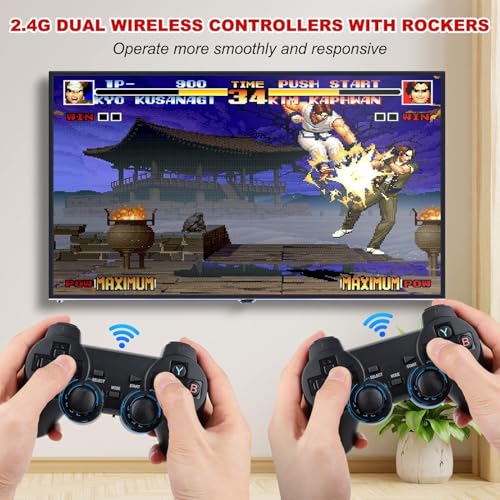
Controllers, saves and solo or co-op fun
Two 2.4GHz wireless controllers are included so you can play together from the couch. The controllers pair to the stick for unrestricted range; each requires 4 AAA batteries (not included). Built-in save and load features let you pick up where you left off.
- Wireless play: Two controllers; 2.4GHz pairing
- Save states: Save progress easily and resume later
- Expandable: Add more game files via the TF card
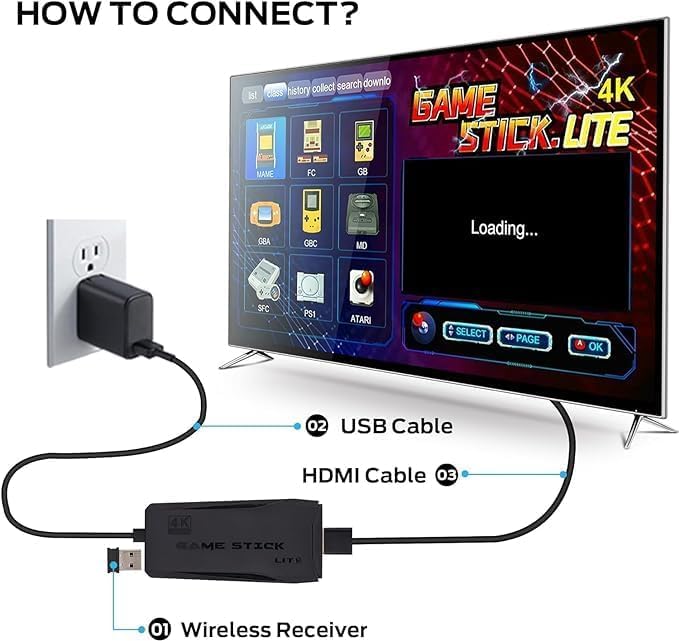
Compatibility & easy setup
Plug the mini HDMI into any HDMI input, connect power, insert the TF card and you're ready. Compatible with TVs, set-top boxes, PCs, laptops and projectors — ideal for living rooms, bedrooms and on-the-go setups.
Key features
- 21,000+ preloaded games on a 64GB TF card — immediate access
- Open Linux-based system with nine emulators
- Expandable via TF card — add your own ROMs
- Two 2.4GHz wireless controllers (4 AAA batteries each, not included)
- Save/load states and resume play
- Outputs up to 4K UHD via mini HDMI
- Compatible with TVs, projectors, PCs and laptops

Made for sharing — perfect gift
The Retro Game Stick brings nostalgic favorites to both kids and adults. With simple setup and instant play, it’s a thoughtful gift for birthdays, holidays, or any family game night.
What's in the box
- Retro Game Stick (mini HDMI)
- 64GB TF card with 21,000+ games
- Two 2.4GHz wireless controllers
- USB power cable and quick setup guide
Note: Controllers require 4 × AAA batteries each (not included). For best performance, use the correct HDMI input and a stable power source.